-
01 / TODAY
Your relationships, before the day gets away.
MET brings people, follow-ups, reminders, and saved context back into view when they matter.
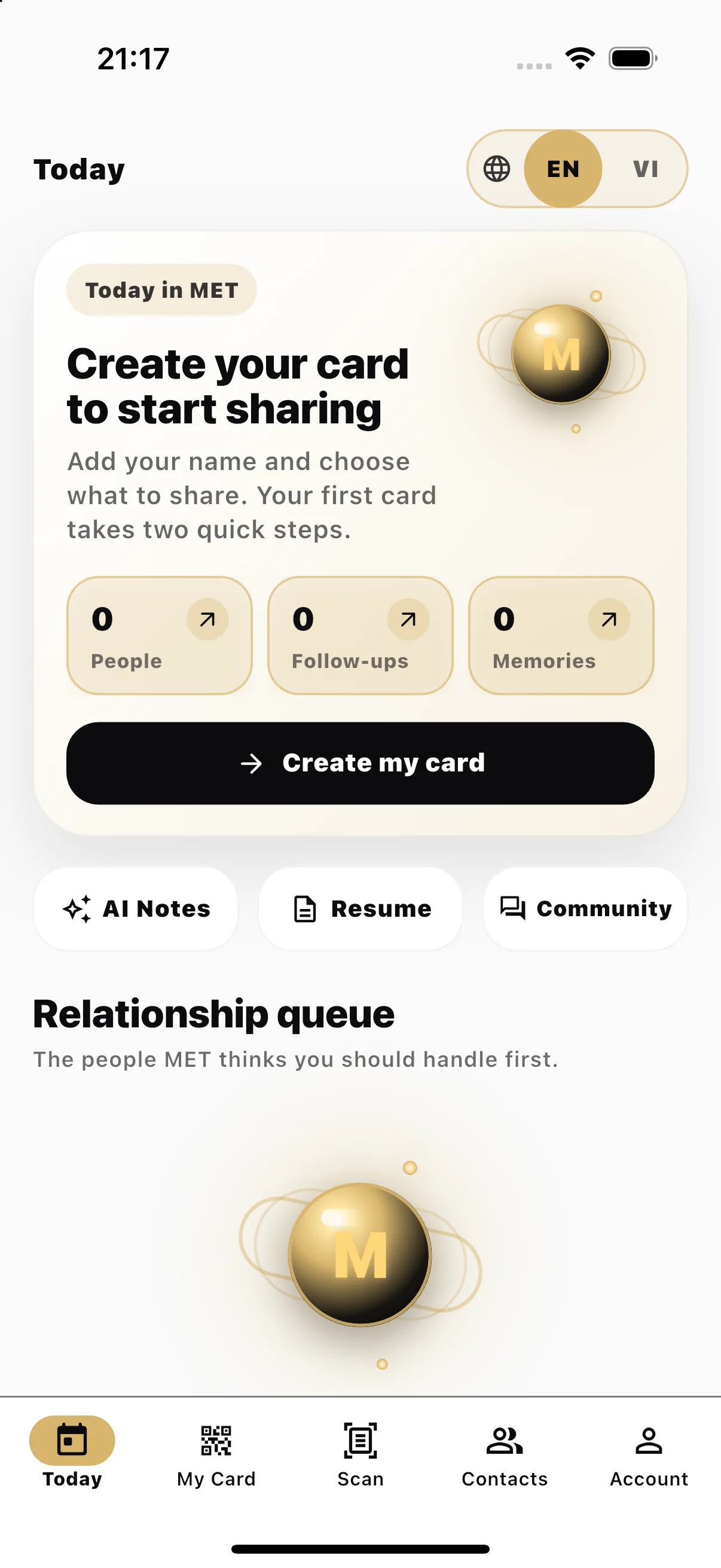
Today / relationship queue -
02 / MY CARD
Share who you are.
Build your MET profile once, then keep it ready for the next conversation.
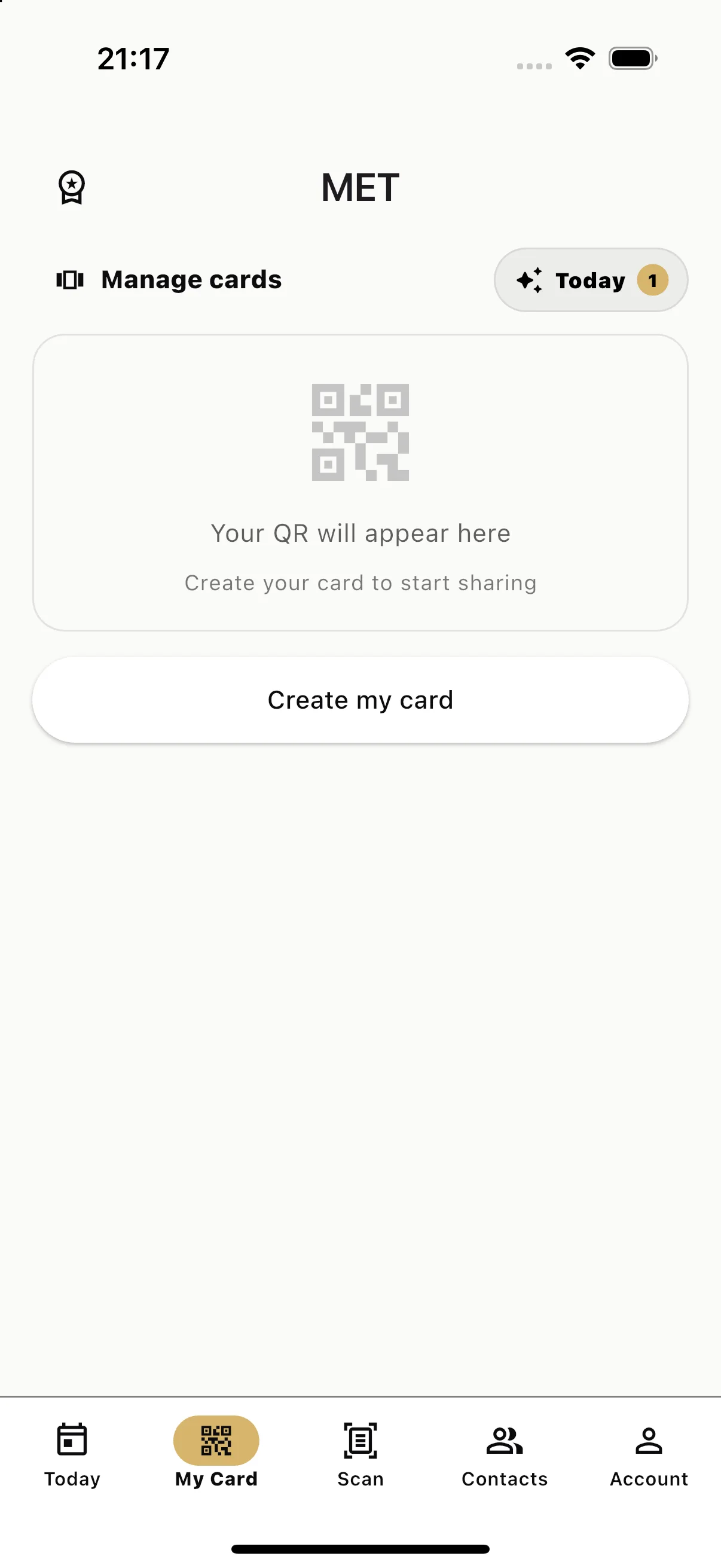
My Card / your professional profile -
03 / SHARE
Choose what crosses the room.
Share the right details through the supported channel that fits the moment.
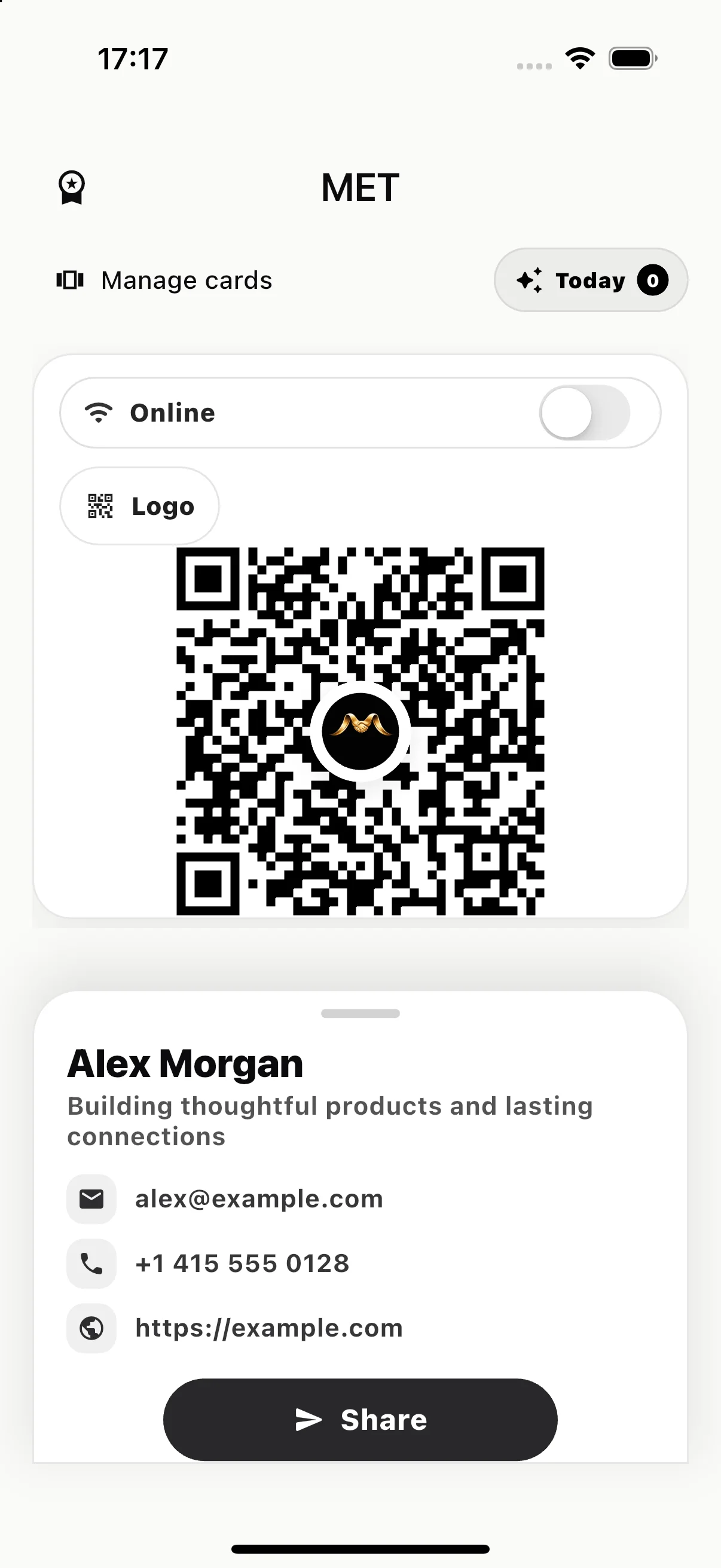
Share / supported channels -
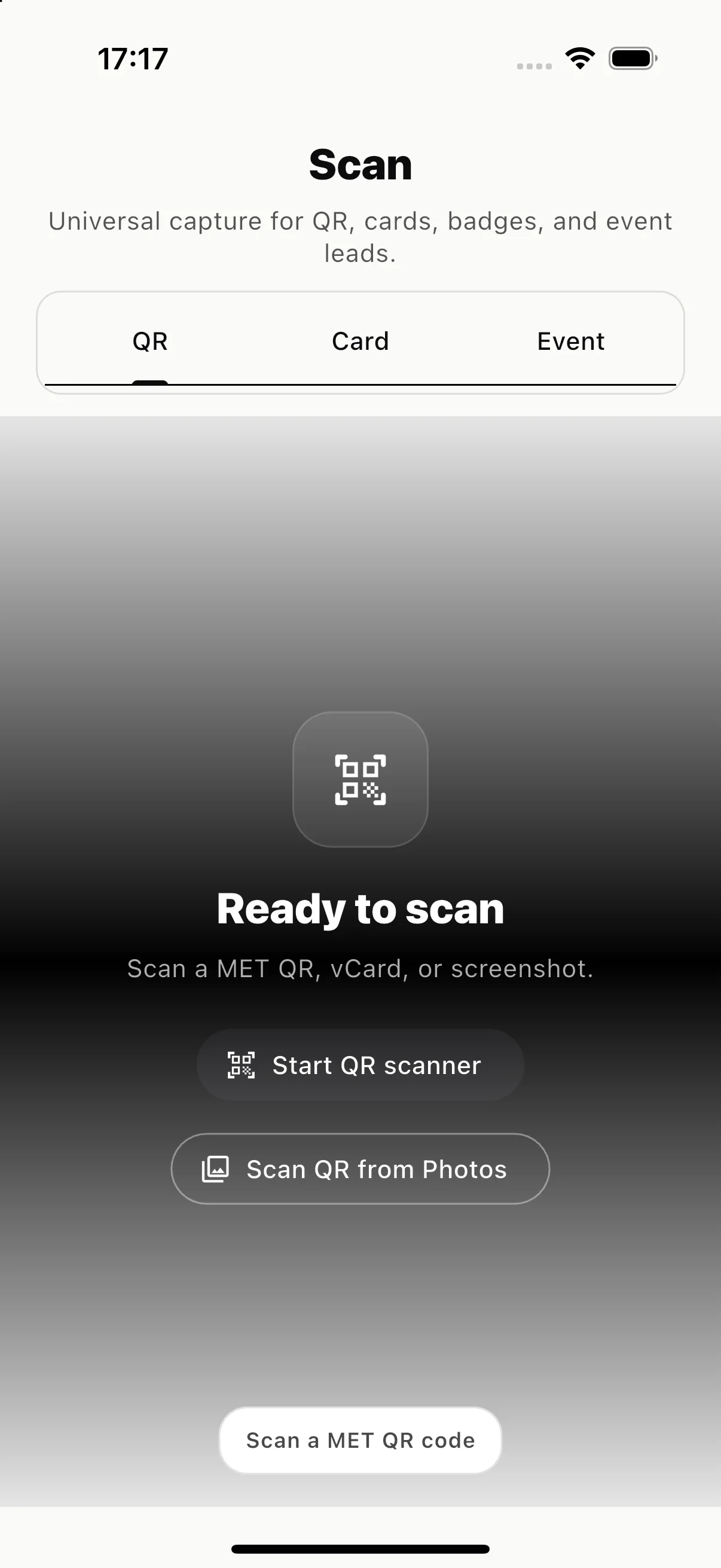
04 / SCAN
Meet. Point. Capture.
Start with a MET QR, another QR, a card, a badge, or an event lead.
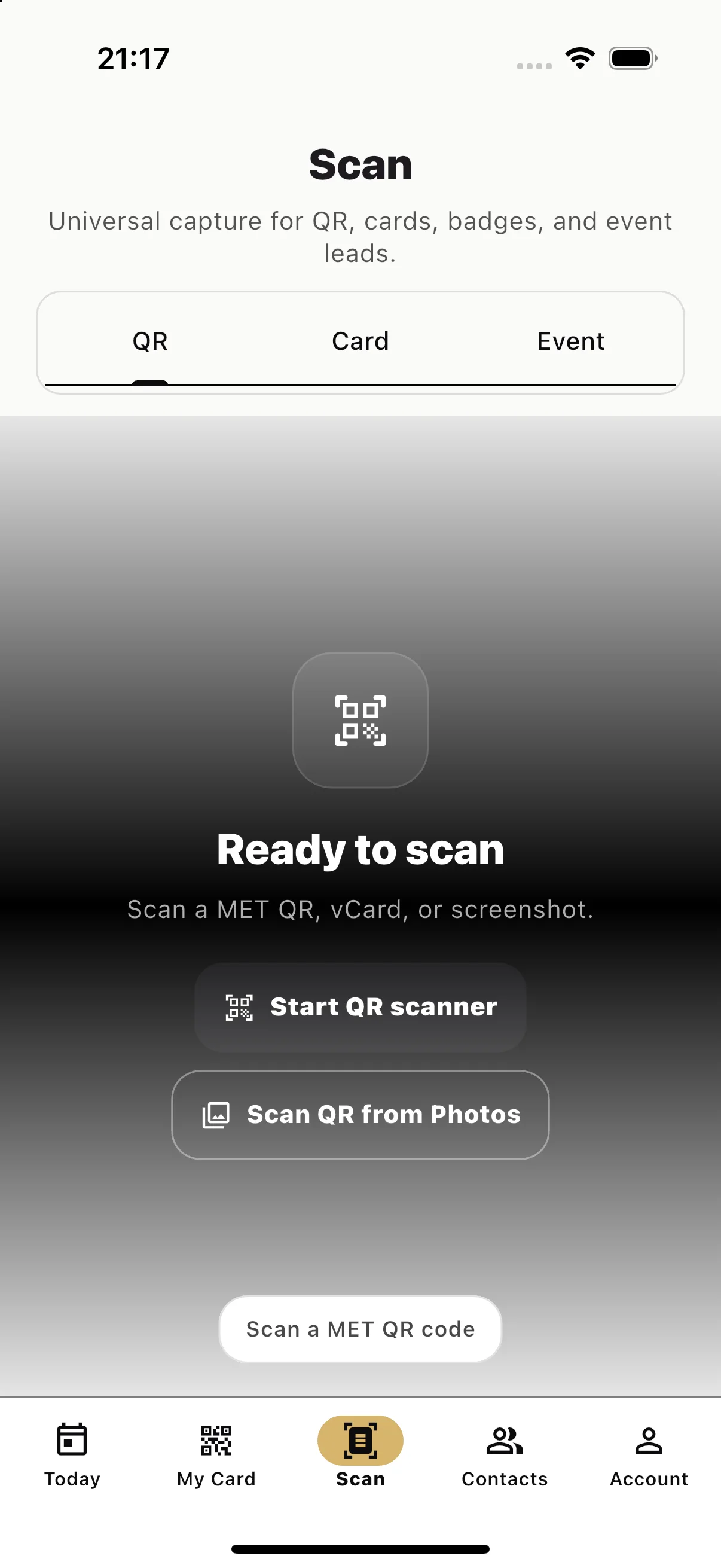
Scan / ready to capture -
05 / CONNECT
A meeting becomes a relationship.
Review what MET found, then save the person with the source of the connection.
Capture / review and save -
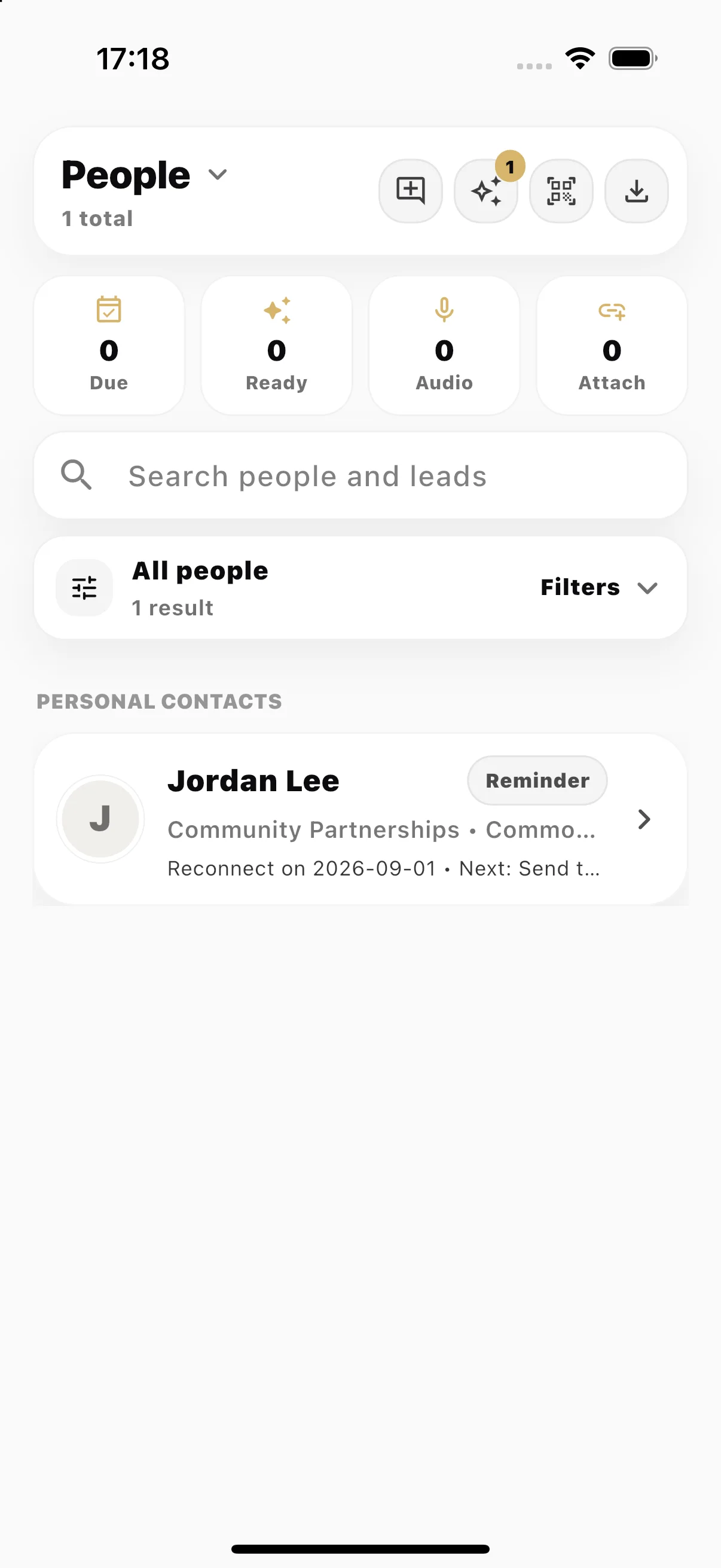
06 / PEOPLE
Every person keeps their source.
Contacts, relationship status, and where you met stay together in People.
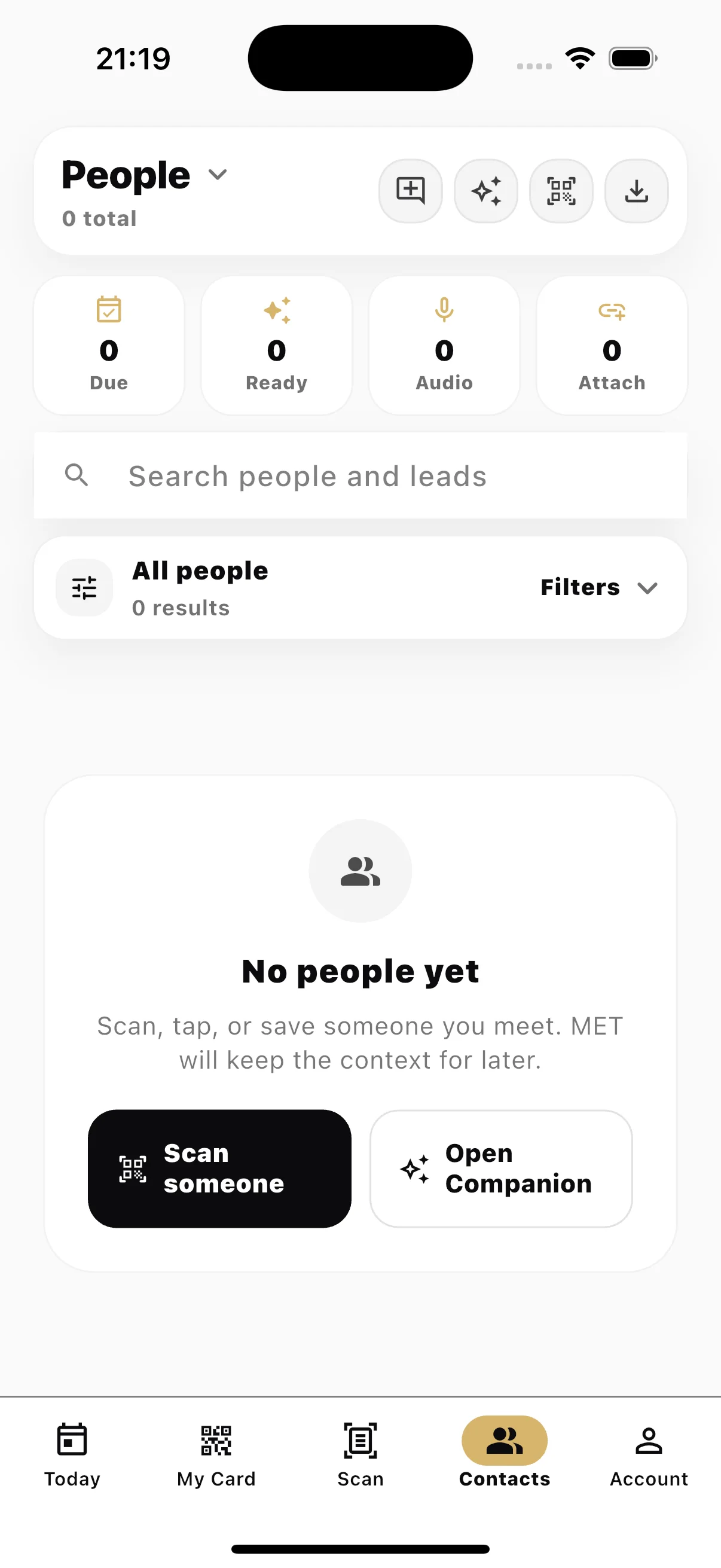
People / relationship list -
07 / CONTEXT
The useful context stays close.
Return to the person, the way you met, and the details worth remembering.
Person / relationship context -
08 / NOTES
Remember what was said.
Keep written or recorded meeting notes beside the relationship they belong to.
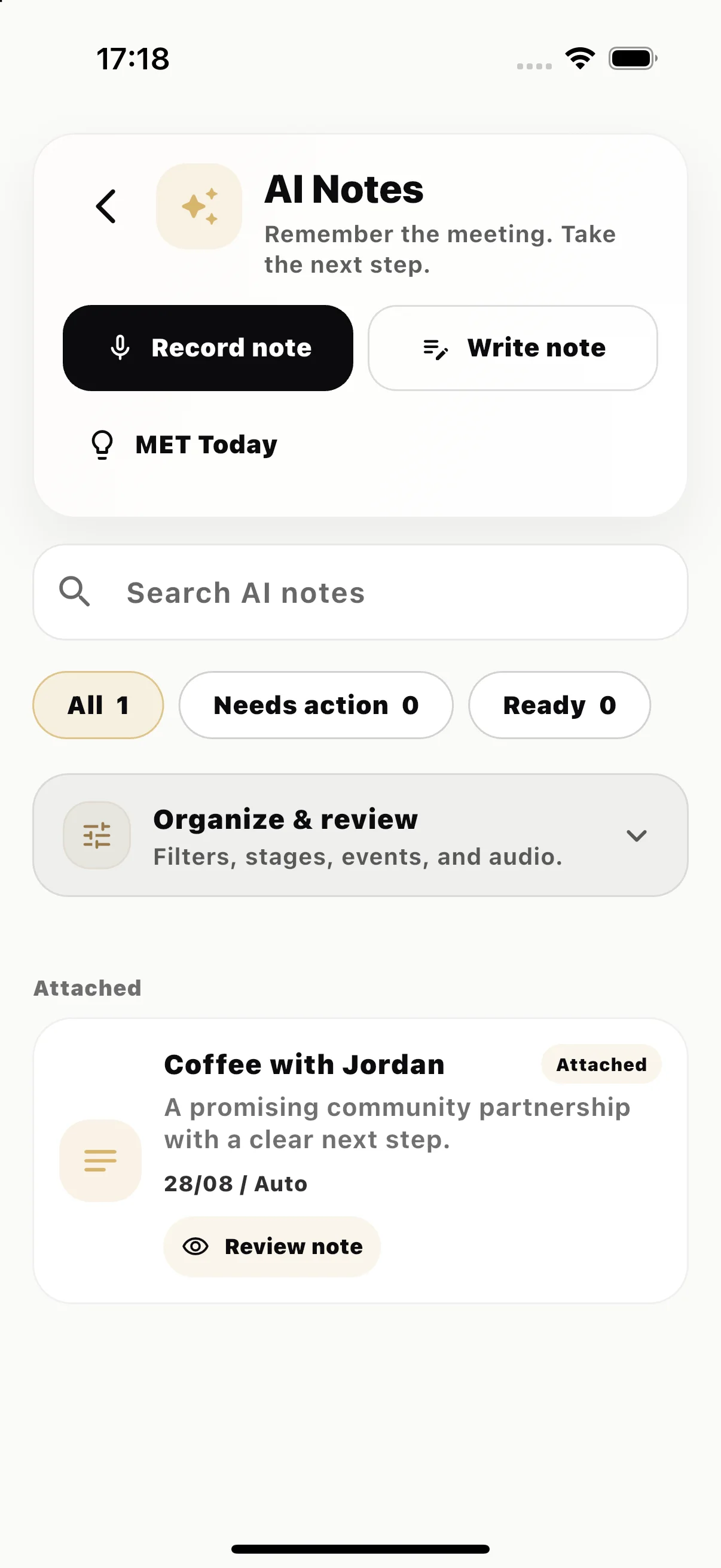
Notes / meeting memory -
09 / REMEMBER
Turn the conversation into memory.
Review the note, keep the useful detail, and decide what needs to happen next.
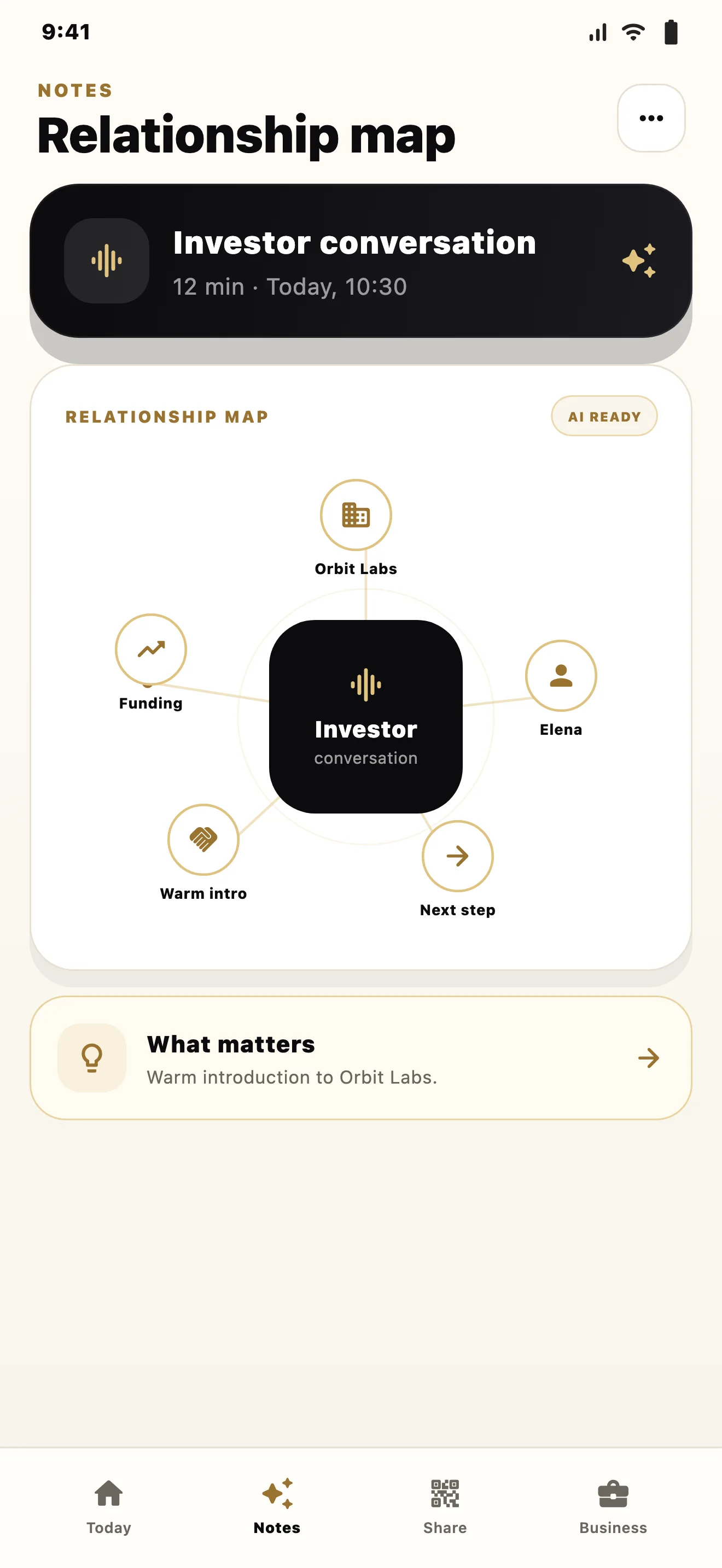
Meeting note / useful detail -
10 / RETURN
Come back to what matters now.
Today returns the people and follow-ups that need your attention.
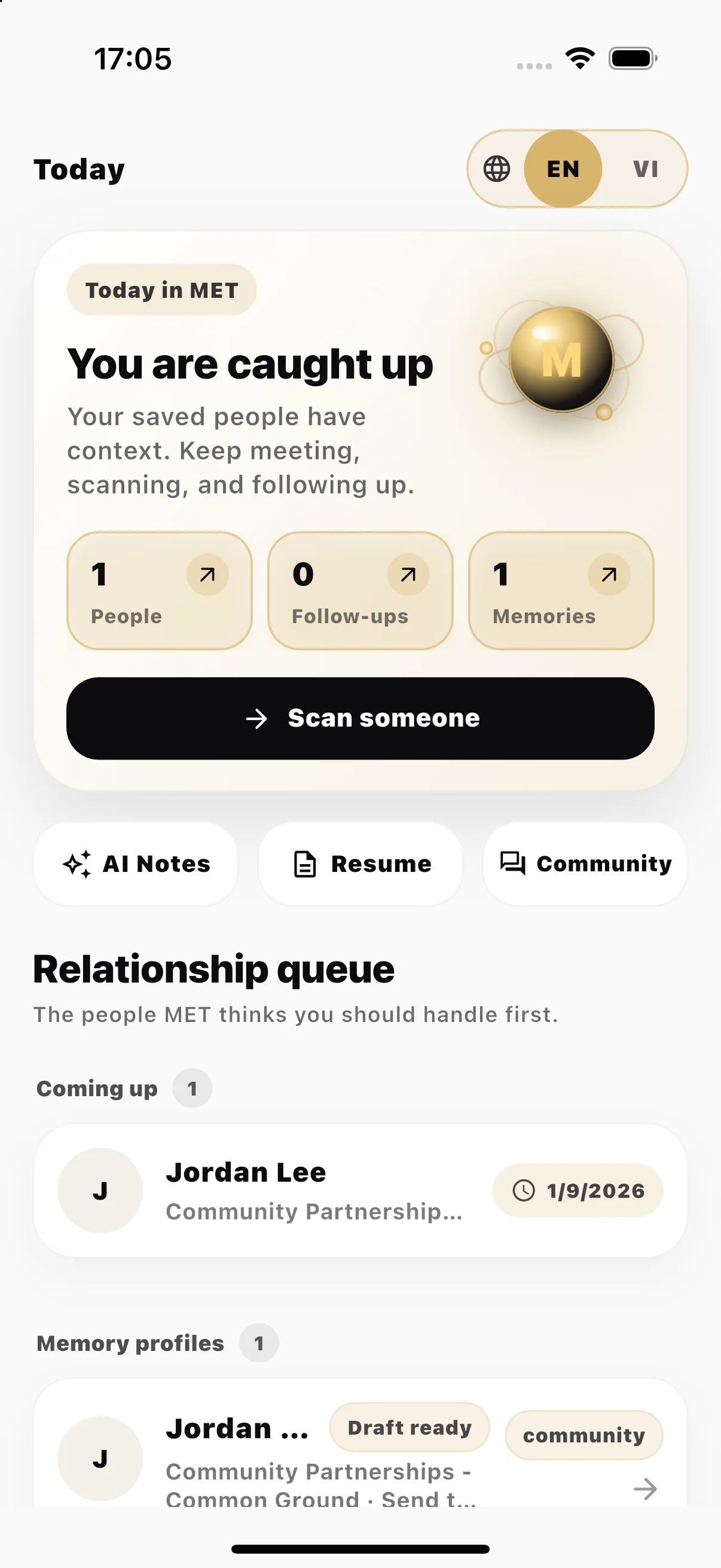
Today / next attention -
11 / COMMUNITY
Keep learning between meetings.
Community lives inside MET, so conversations and professional relationships stay close.
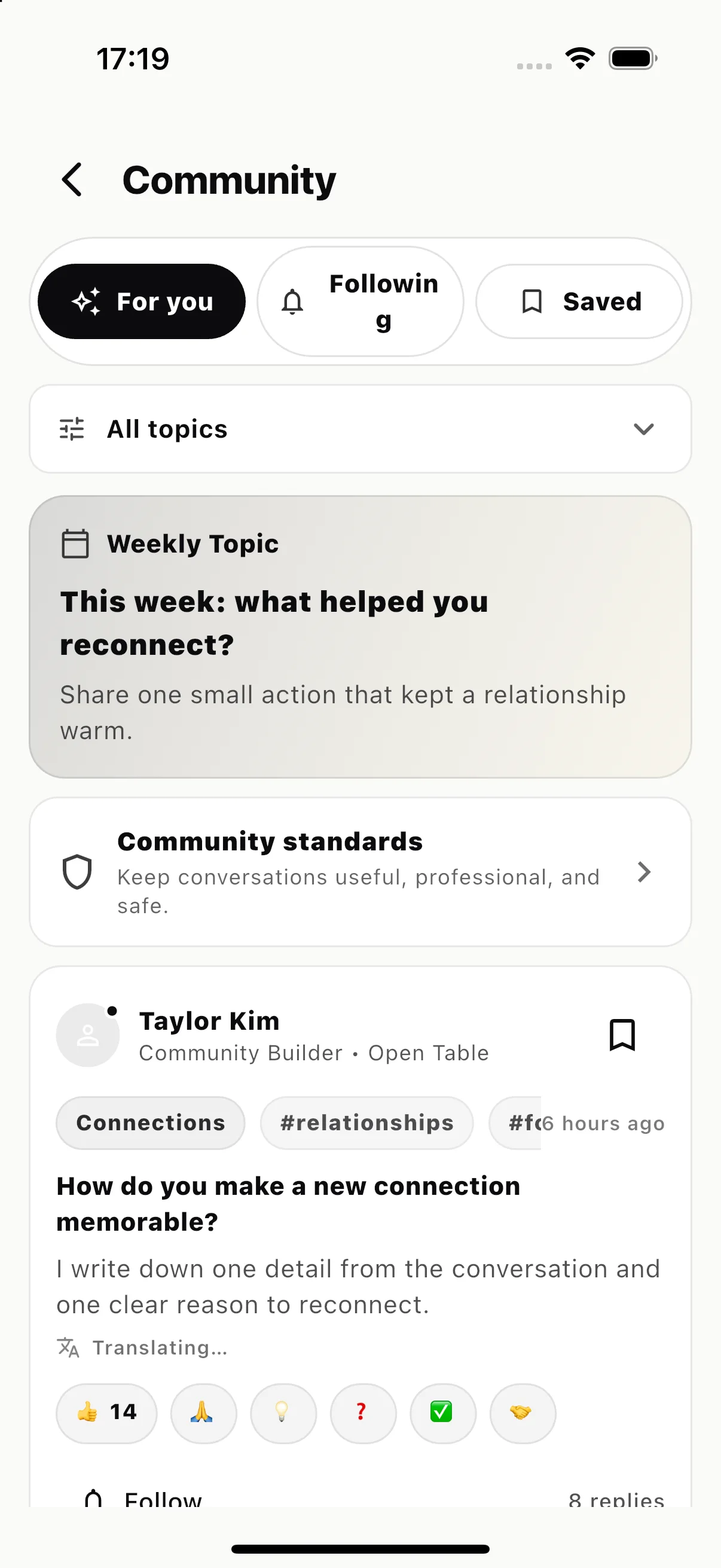
Community / conversations in MET -
12 / RÉSUMÉ
Present the work behind the relationship.
Build and preview your résumé inside the same app you use to meet, remember, and follow up.
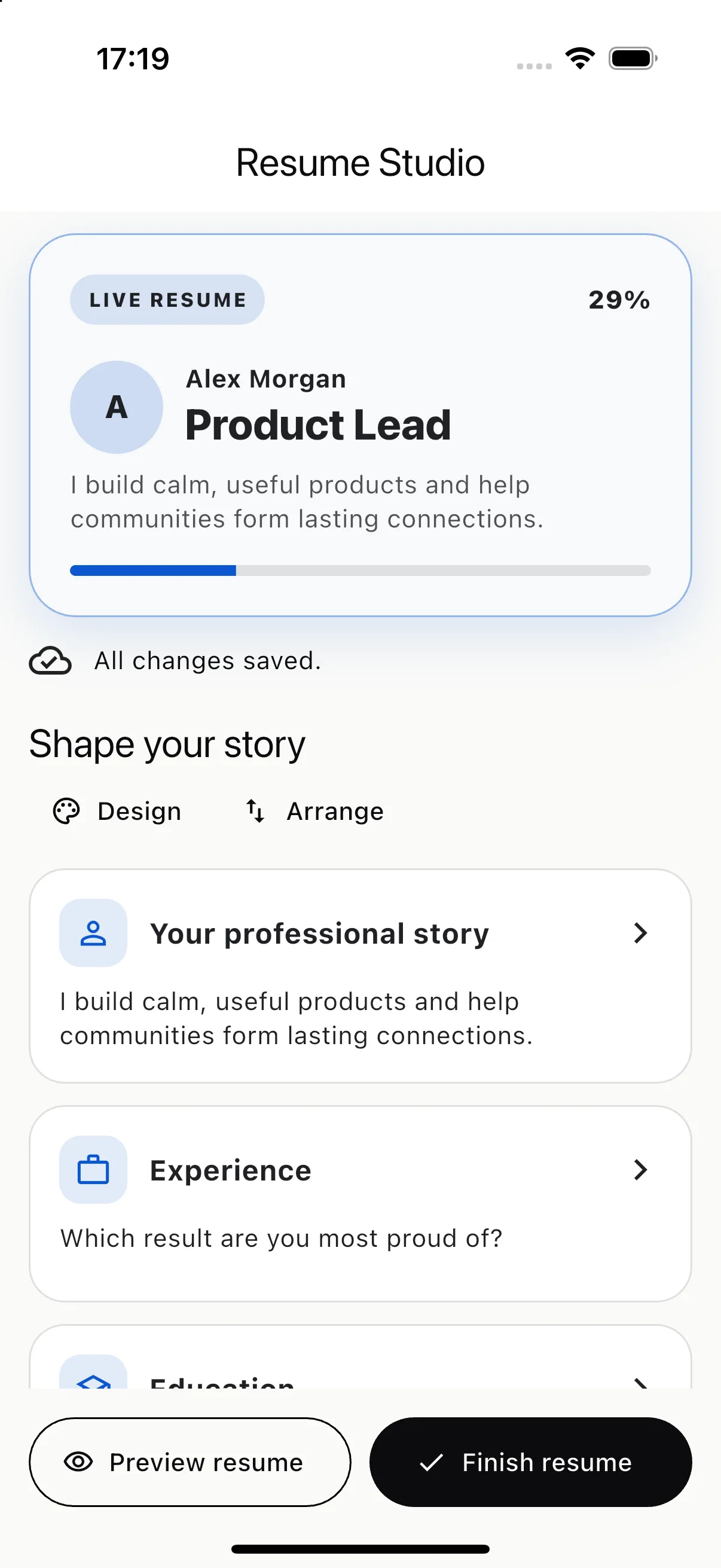
Résumé / professional story
MET ecosystem · personal to company